Sample 1
🧛 Vampire Awakening
ATTENTION: TikTok & Reels Creators, Etsy Sellers, Parents, Pet Owners, Small Businesses & PLR Sellers…
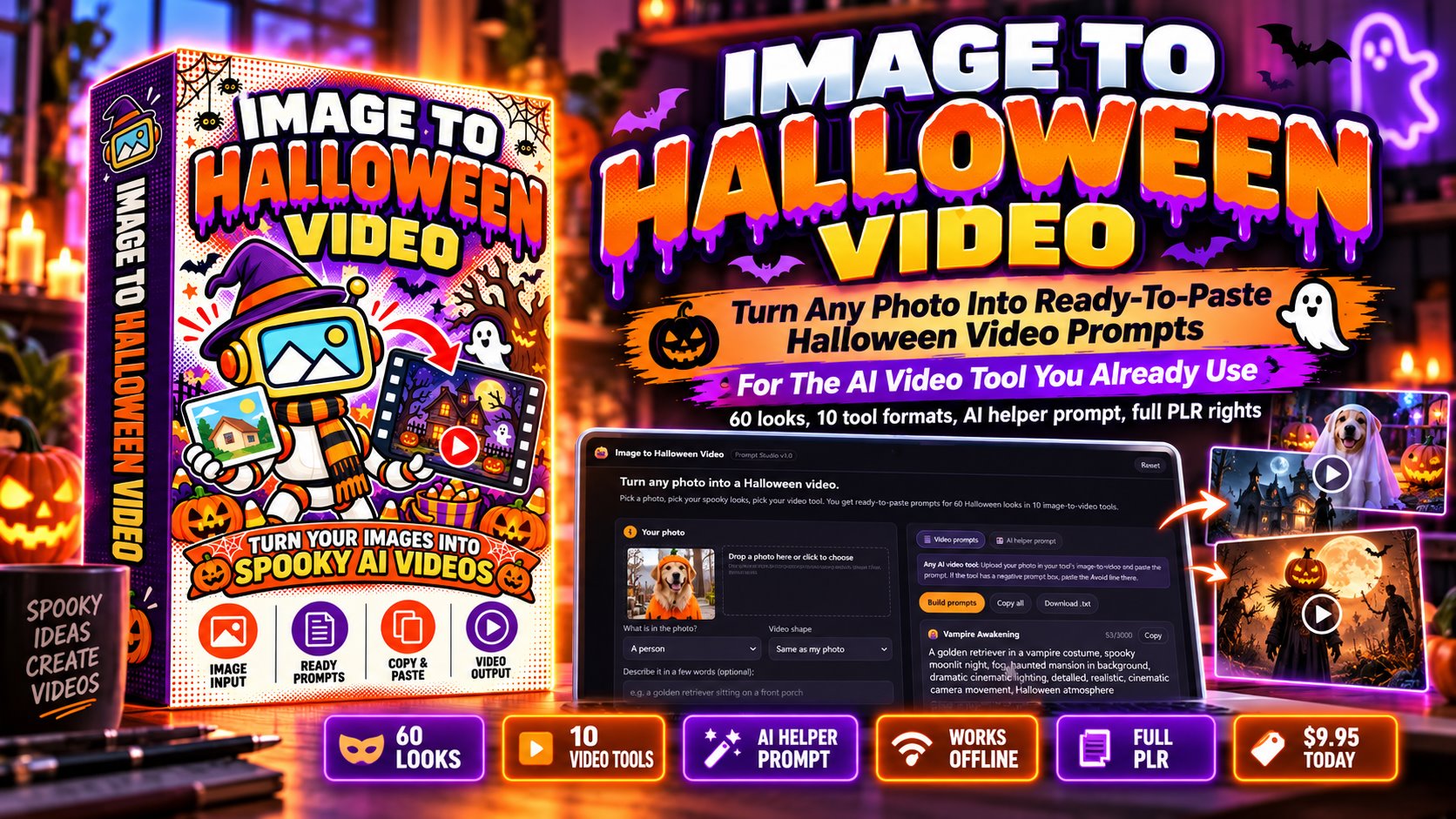
Get Instant Access To Image to Halloween Video, The Prompt Studio That Writes Halloween Image-To-Video Prompts From Your Photo With 60 Looks, 10 Tool Formats, An AI Helper Prompt & Full PLR Rights
Halloween is October 31 and your feed still has no Halloween videos. Pick what is in your photo, pick your looks, pick your tool, and get prompts written in that tool's own style, or rebrand the whole studio and sell it as your own.
Please note: The dimesale started at $9.95 until we hit $37.
The longer you wait, the more you'll pay!
1-Time Payment, No Monthly Fees!
Inside Image to Halloween Video
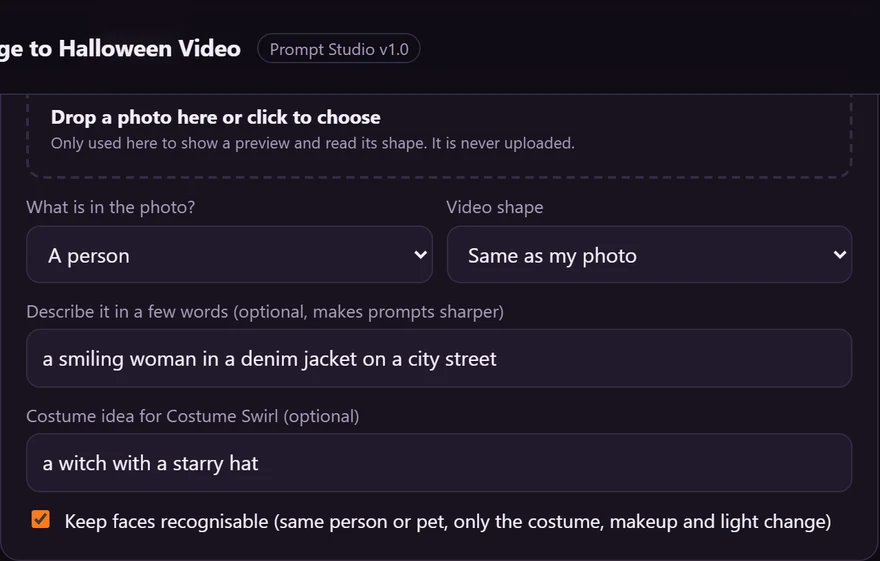
Six real screens from the Prompt Studio you download today, filled in the way a buyer would fill it. Scroll sideways.
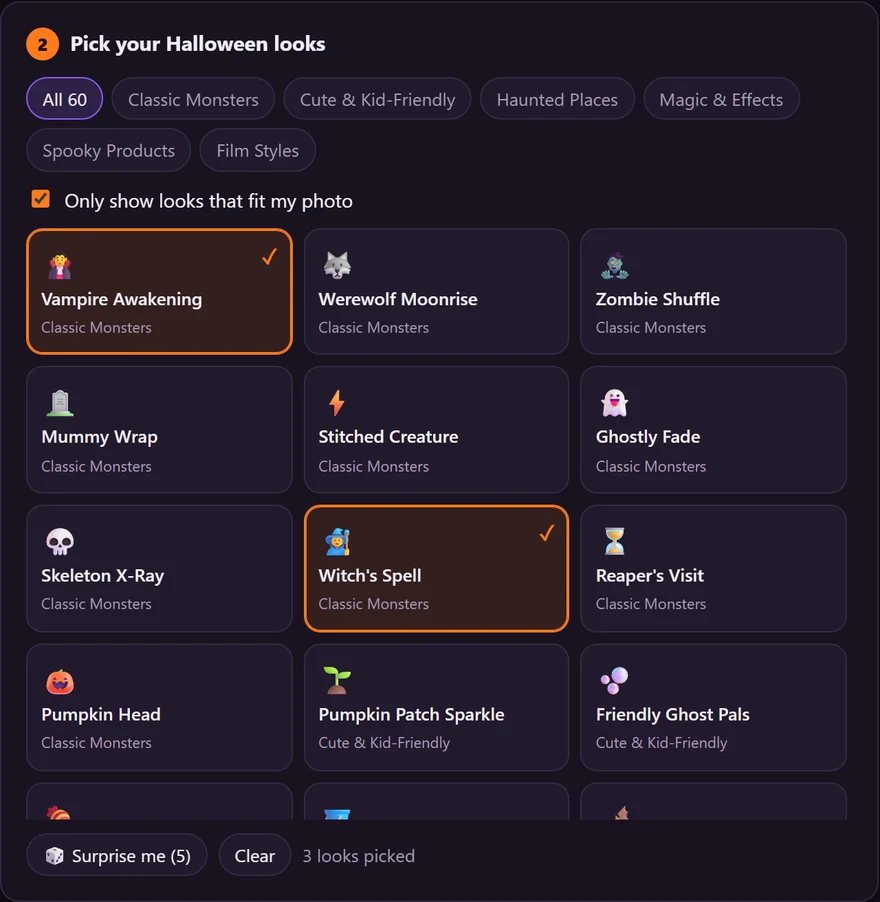
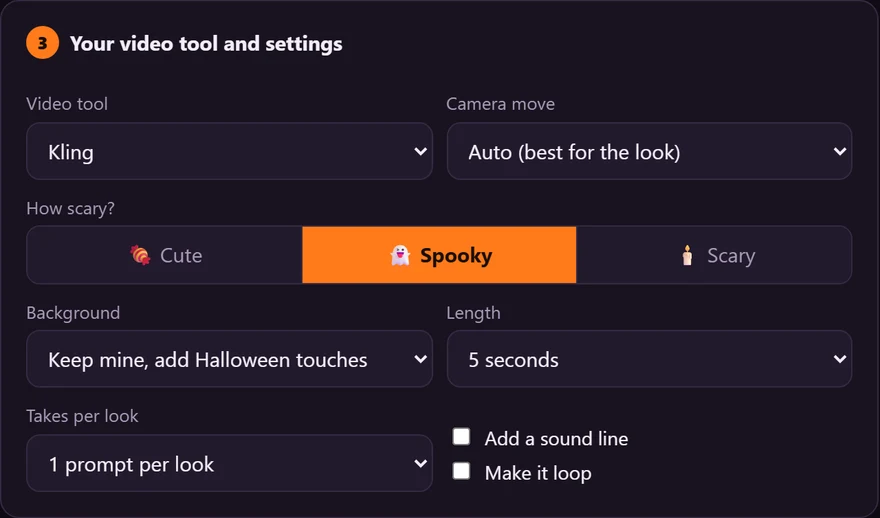
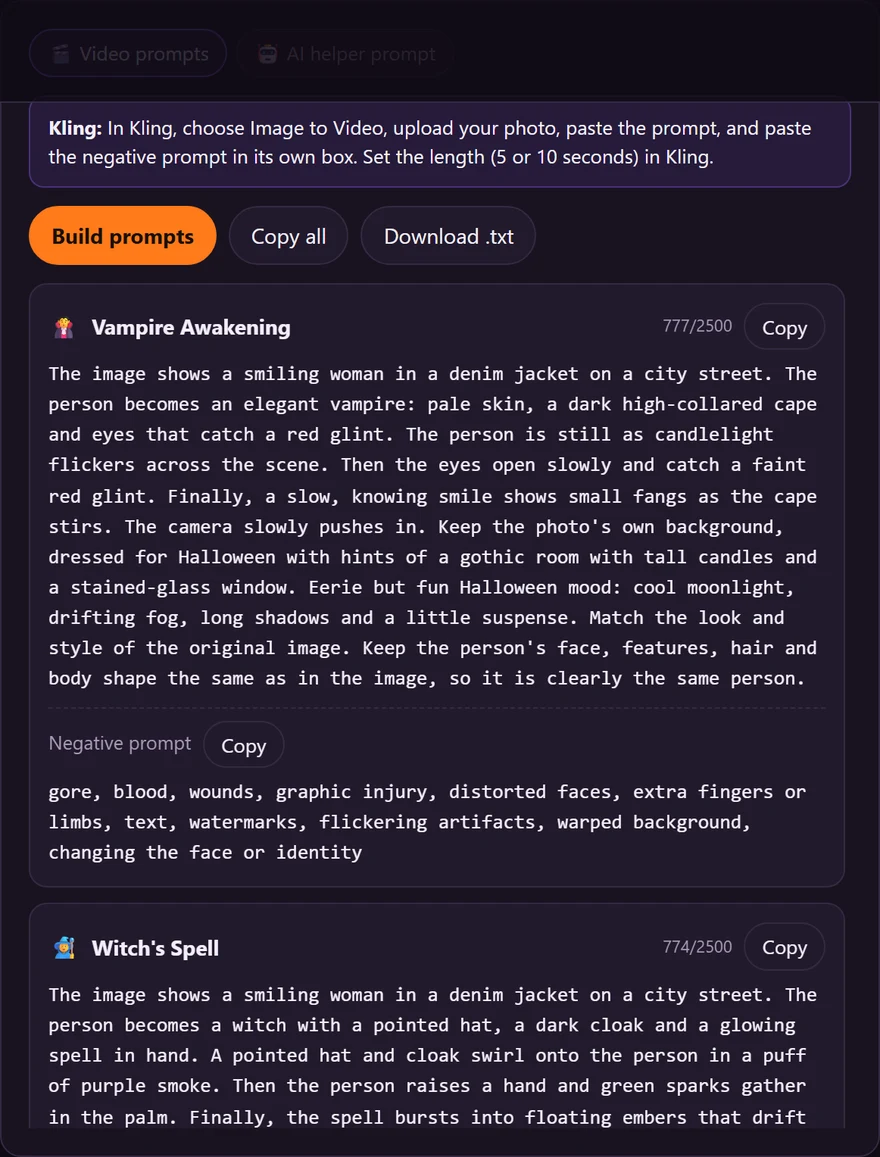
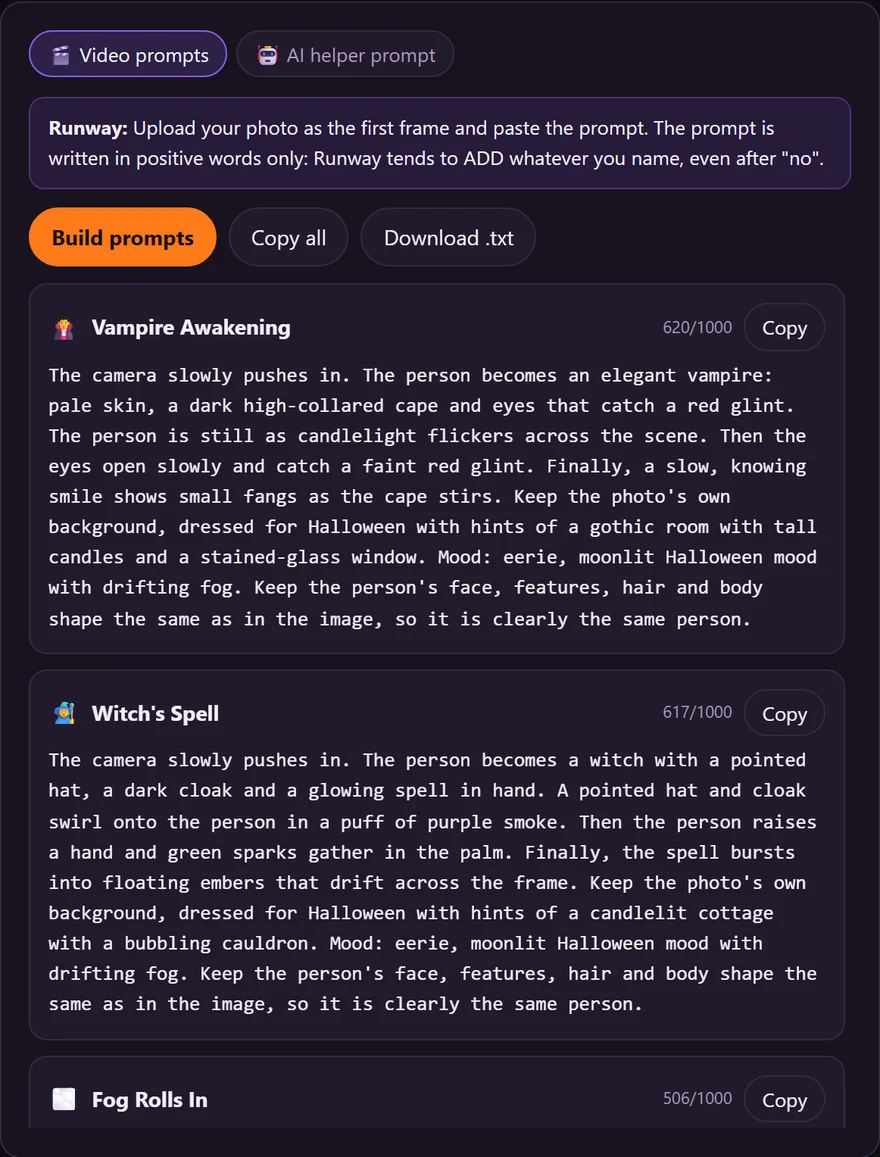
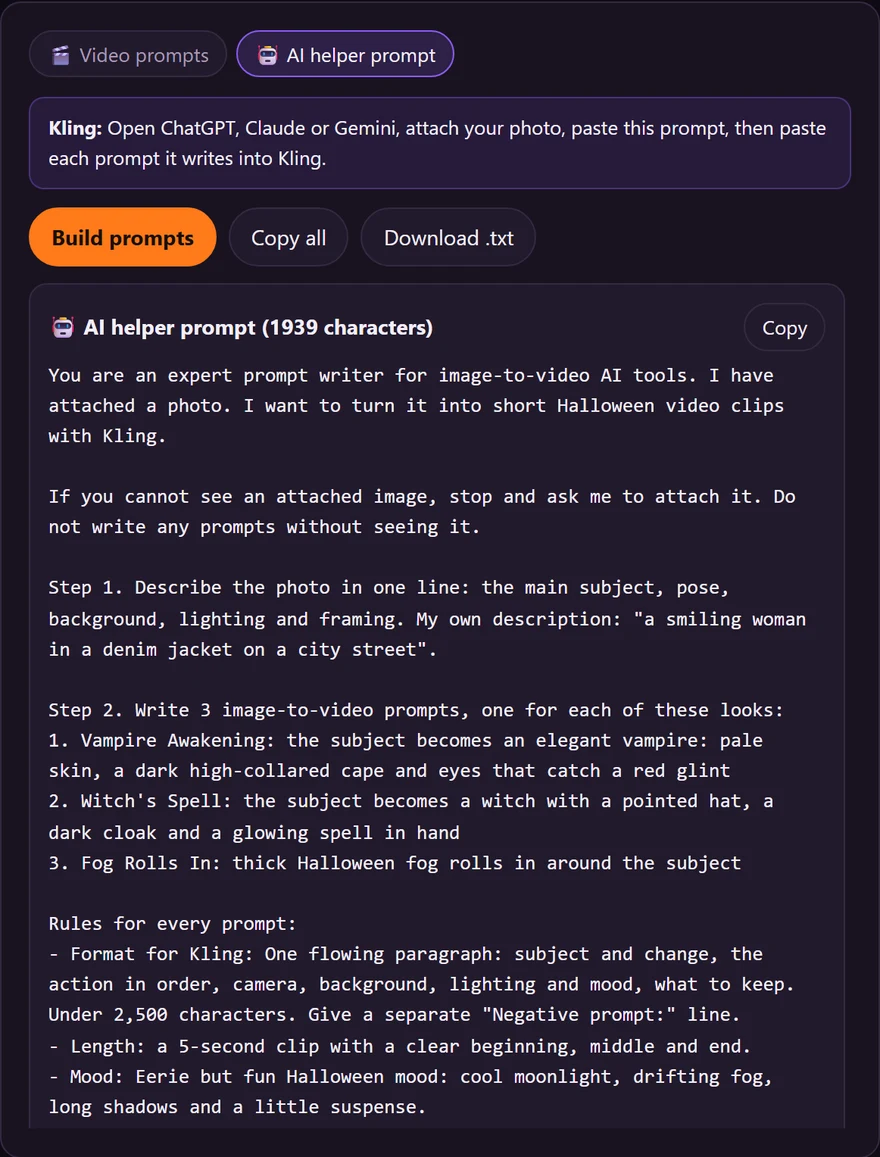
The Problem
Every photo on your phone, your pet, your kids, your porch, your products, could be a Halloween clip this month. Almost nobody makes them, because getting an image-to-video tool to do what you picture is real work.
The problem is not the photo. It is the prompt. Every video tool wants its prompt written a different way. So you upload a photo, type “make it spooky”, and get back a warped face, a random monster or something far too gory to post. The questions never stop:
The Shift
Skip the blank prompt box, the trial and error and the tool-by-tool guesswork. Pick your photo type. Pick your looks. Paste the prompt.
The Solution
Image to Halloween Video is built on one rule: nothing leaves the page. It is a prompt writer, not a video maker. No AI is connected, nothing is uploaded and it works offline. You pick what is in your photo, your looks, your tool and your settings, and it writes prompts in that tool's own style, each with a no-gore avoid list. You upload your photo and paste the prompt in your own video tool.
Real Samples
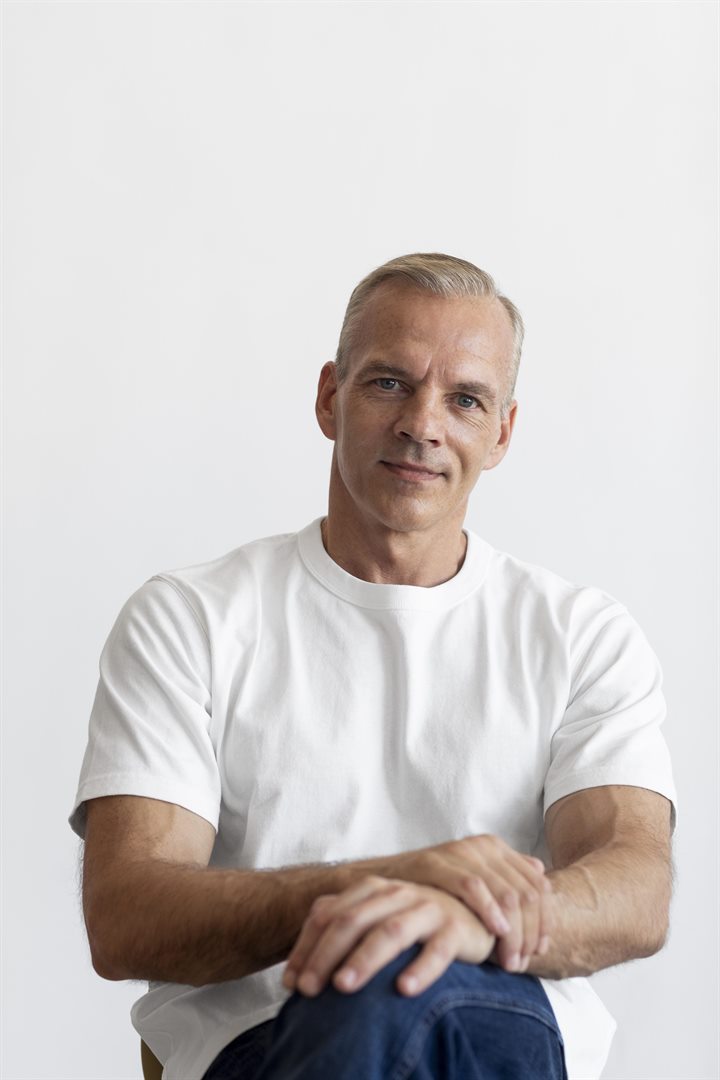
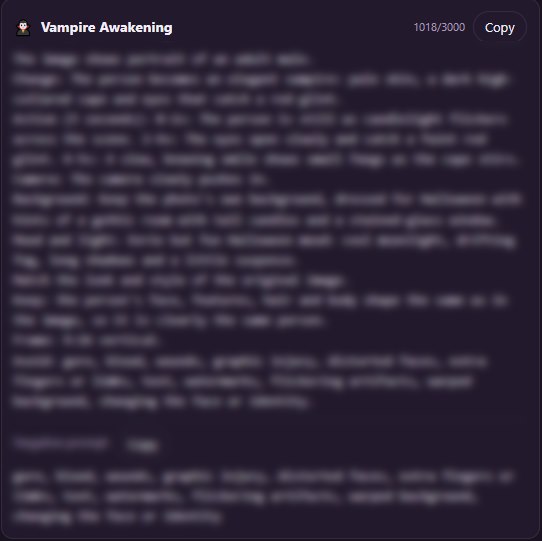
Each sample starts as an ordinary photo. The studio writes the prompt, the photo and the prompt go into a video tool, and this is the clip that comes back. Here is the exact prompt for each one.
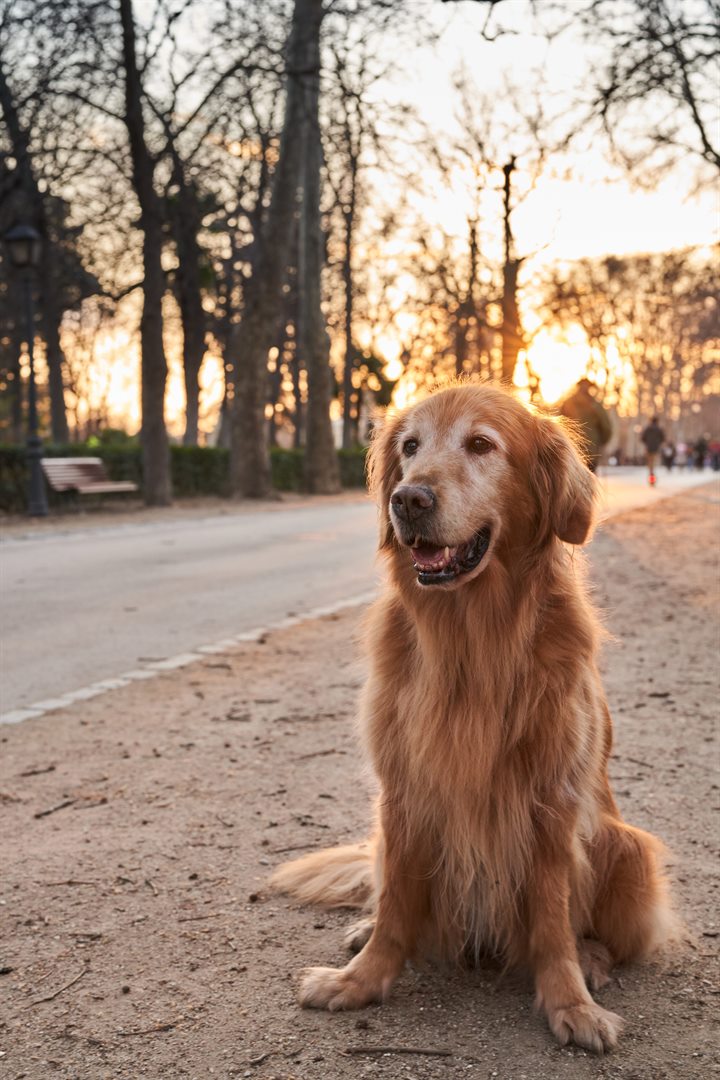
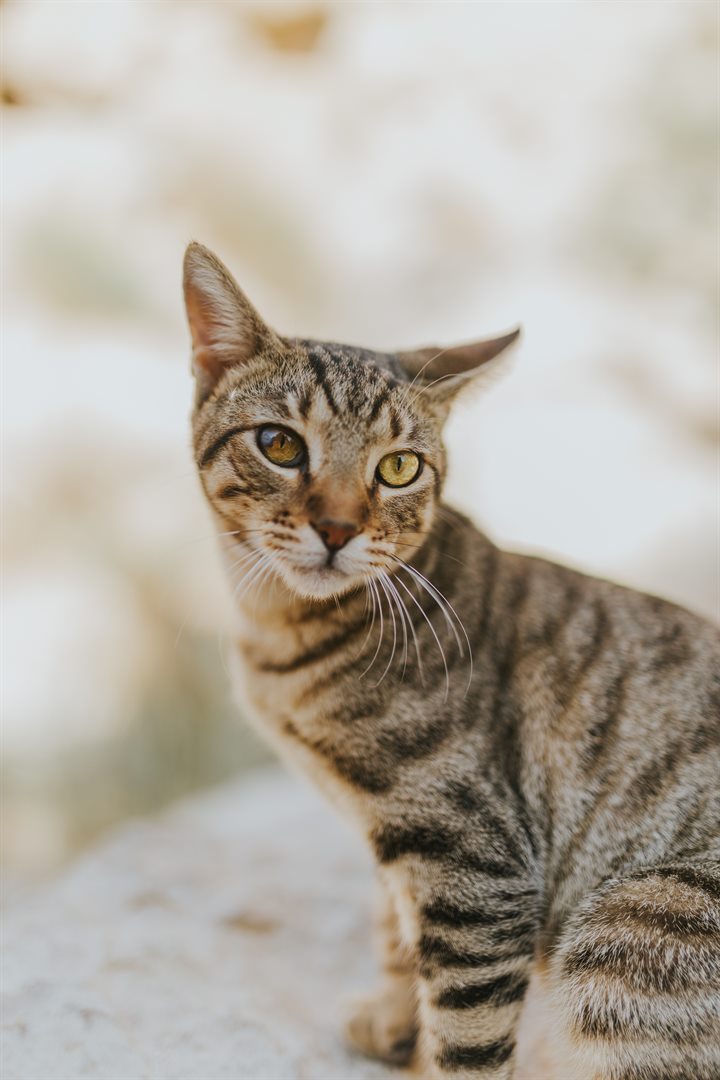
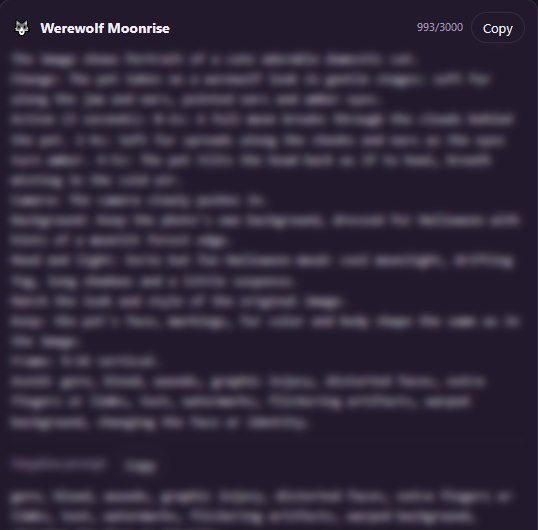
Prompt format: Any AI video tool. Results vary by video tool and photo.
What's Included
Most “AI Halloween video” apps want your photo on their servers and a subscription on your card. This one is built the other way round: the studio runs in your browser, offline, and the video is made in the tool you already use.
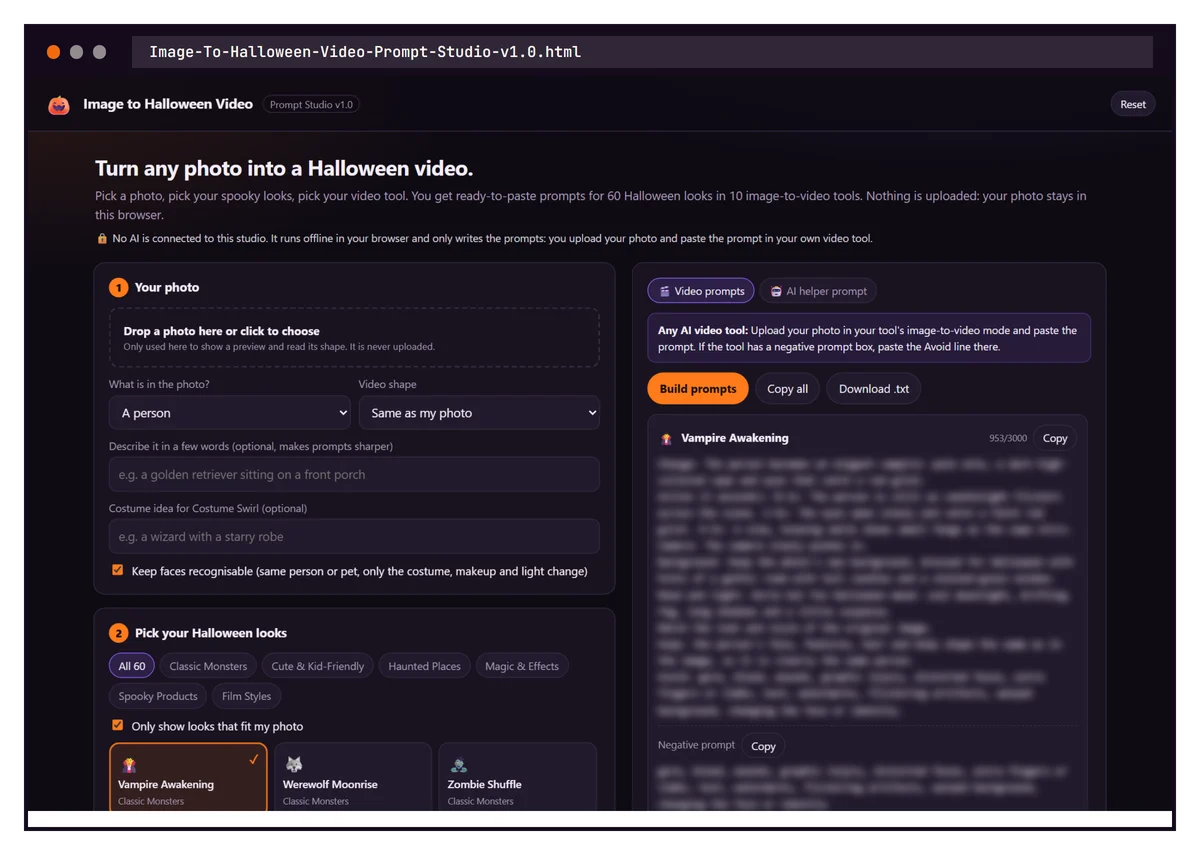
Prompts For 10 AI Video Tool Formats
A standalone page carrying the entire studio: pick what is in your photo, pick from 60 Halloween looks, choose your video tool, mood, camera move, length and takes, and it writes ready-to-paste image-to-video prompts with the negative prompt on its own line. Includes the AI helper prompt for ChatGPT, Claude or Gemini. It autosaves in the browser, works offline from a single file, has no AI connected, and can be handed to clients or bundled into your own product.
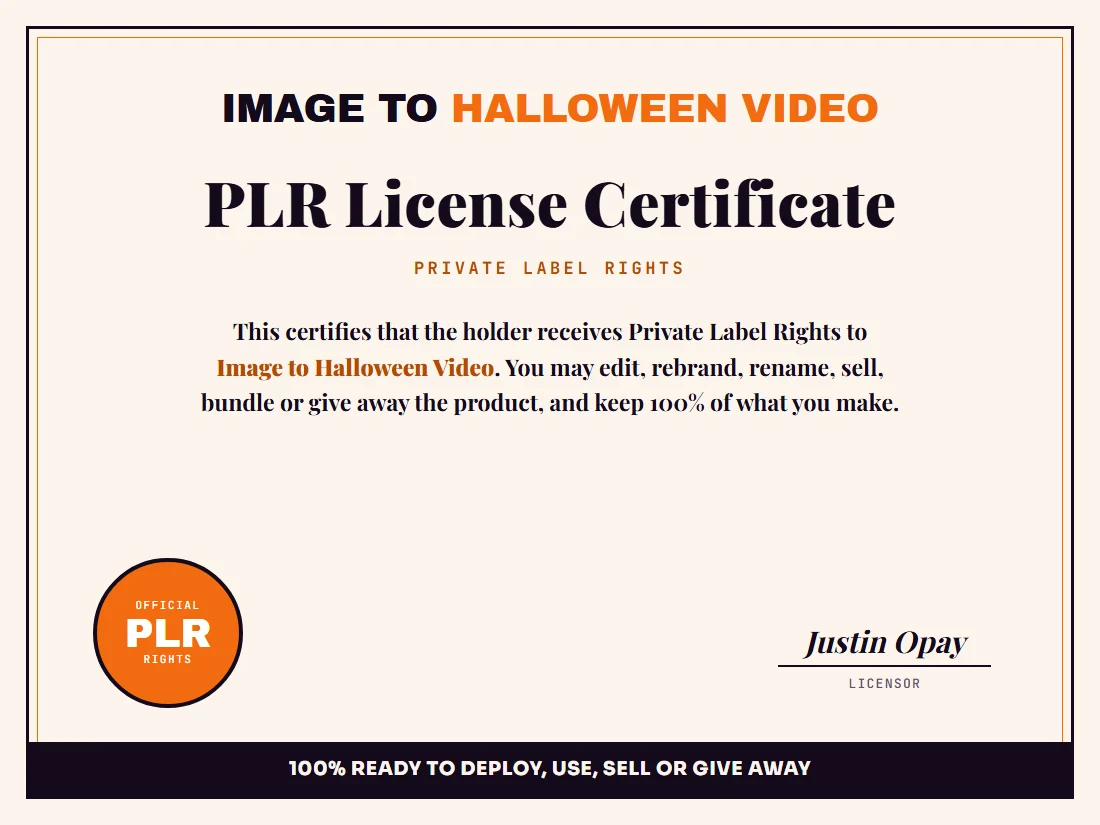
Keep 100% Of The Profits
Your formal private label rights, so you can edit, rebrand, sell, bundle or give the studio away and keep every dollar you make. The certificate is the official document confirming your rights to the entire package.
Please note: The dimesale started at $9.95 until we hit $37.
The longer you wait, the more you'll pay!
1-Time Payment, No Monthly Fees!
That's the Prompt Studio + full PLR, $794 of value, for the $9.95 launch price.
What You Get
Not a pack of random prompts. Not a video app. A fixed studio that turns your photo and your choices into prompts written for the tool you use.
Ready right after checkout
Kling, Runway, Veo, Sora & more
6 groups, 3 moods
Rebrand & resell as your own
What's Covered
Six groups of ten looks, plus the settings that shape every prompt. Tell it what is in your photo and it only shows the looks that fit.
Who This Is For
If you post Halloween content, sell to people who do, or resell PLR prompt studios, this was built for you.
Full PLR Uses
You are not buying a prompt. You are getting a rebrandable Halloween prompt studio you can run, hand over, or sell.
Fast-Action Bonuses
Yours free when you grab Image to Halloween Video today. Together they are worth $255, and every one is built around what the studio already does: the photo going in, the prompt it writes and the clip you get back.
A short PDF guide to the photo that goes in, because the photo decides more of the clip than the prompt does. What to look for in light, framing and resolution, a section for each of the 9 photo types the studio asks about, and a one-page checklist to run before you upload.
Value $47
An offline app that looks at your photo before you spend a generation on it. Drop it in and it reads the size, the shape and the brightness right in your browser, tells you which video shape it suits (9:16, 1:1 or 16:9) and flags a photo that is too small or too dark. Nothing is uploaded.
Value $47
A PDF that walks the prompt from the studio into each of the 10 tool formats it writes for: where the photo goes, where the prompt and the negative prompt go, which settings to match (length, shape, sound), and why each format is written the way it is, from Runway's positive-only wording to Hailuo's bracket camera moves.
Value $67
An offline app that turns several short clips into one reel. Pick a 15, 30 or 60 second target, choose looks from the 60, and it lays out the order, the length of each clip, where the cuts fall and a shot list you can follow while you edit. Export it as text or a spreadsheet.
Value $47
An offline app for the clip that came back wrong. Pick what went wrong (the face changed, hands or limbs warped, the scene barely moved, too much happened, text came out garbled, the background melted) and it tells you which studio setting or prompt change to try next, in plain steps.
Value $47
Bonuses are for your own use, including client work. They are not covered by the PLR license and may not be resold or given away.
Please note: The dimesale started at $9.95 until we hit $37.
The longer you wait, the more you'll pay!
1-Time Payment, No Monthly Fees!
The Real Value
One custom Halloween clip from a freelancer costs more than this. You are unlocking the studio that writes prompts for all 60 looks, plus the rights to sell it.
$794 of system + PLR for $9.95, and the dimesale price climbs with every sale.
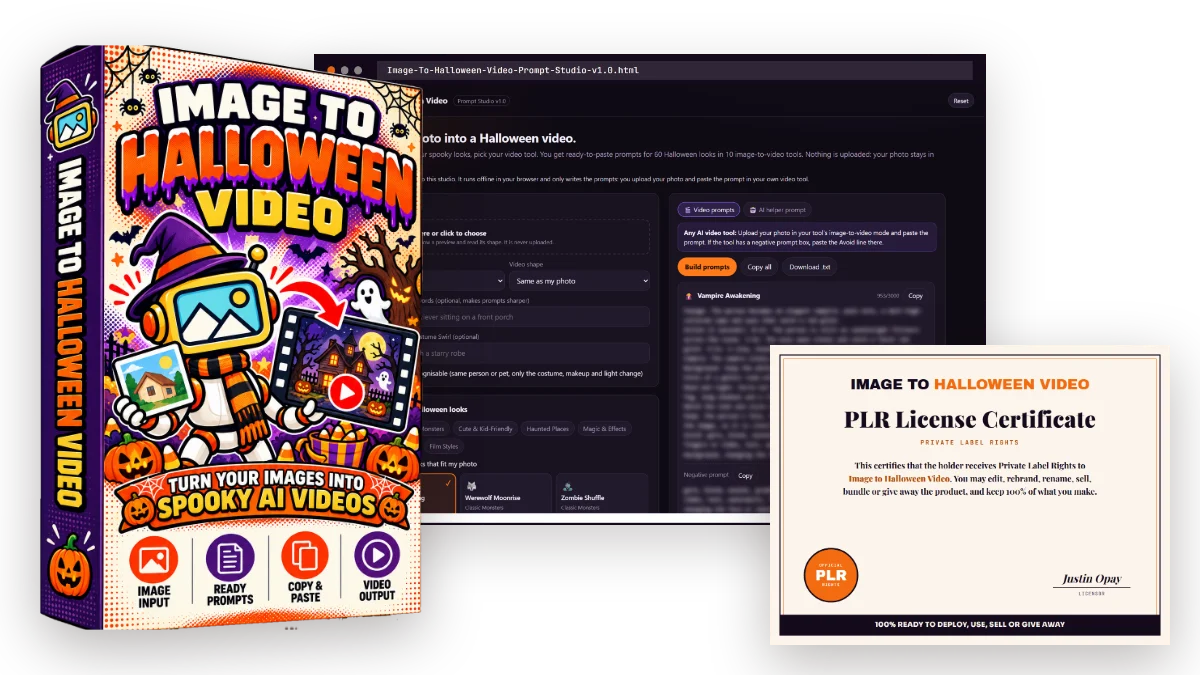
Claim Your Copy
One payment. Instant access. Your first Halloween video prompts today.
Please note: The dimesale started at $9.95 until we hit $37.
The longer you wait, the more you'll pay!
1-Time Payment, No Monthly Fees!
FAQ
Click any question to expand.
What does Image to Halloween Video actually do?
It turns your choices about a photo into ready-to-paste image-to-video prompts. You pick what is in the photo, pick your Halloween looks, your video tool and your settings, and the studio writes one prompt card per look. You upload the photo and paste the prompt in your own video tool.
Does the studio make the video itself?
No. The studio writes the prompts and your own video tool makes the video, on your own account. That is why there is no AI connected, no API key and no account with us. It also means the result depends on the tool, the plan and the photo you use.
Which video tools does it write for?
10 tool formats: Any AI video tool, Kling, Runway, Luma Dream Machine, Pika, Hailuo (MiniMax), Google Veo, OpenAI Sora, Midjourney Video and Grok Imagine. Each format follows that tool's style, for example a separate negative prompt for Kling, positive wording only for Runway, bracket camera commands for Hailuo and a sound line for Veo and Sora.
Is my photo uploaded anywhere?
No. The studio is a single HTML file that works offline. No AI is connected and a network-blocking policy is built into the page, so nothing is uploaded. Your photo only goes to the video tool you choose to use.
What if my video tool is not on the list?
Pick the Any AI video tool format. Or use the AI helper prompt tab: paste it into ChatGPT, Claude or Gemini with your photo attached and that AI looks at the photo and writes the prompts.
Is it safe for photos of my kids?
The studio is built for it. Child photos are capped at Spooky, never Scary, every prompt carries a no-gore avoid list, and the keep faces recognisable switch asks the tool to keep the same person or pet. What the video tool finally makes is up to that tool, so watch the clip before you post it.
Can I use any photo I find?
Only use photos you own or have permission to use. The studio is for bringing your own people, pets, places and products to life, not for making videos of real people who did not agree to it.
What rights do I get?
Full private label rights. Edit it, rebrand it, sell it, bundle it or give it away, and keep 100% of what you make.
Will the $9.95 price stay?
No. This is a dime sale, so the price ticks up with every copy sold and keeps climbing toward the $37 regular price. Whatever you see now is the lowest it will ever be.
Use it. Rebrand it. Resell it. Bundle it. Keep 100%.
Turn your people, pets, porches and products into Halloween video prompts before October 31, or into a premium PLR studio with your name on it.
Please note: The dimesale started at $9.95 until we hit $37.
The longer you wait, the more you'll pay!
1-Time Payment, No Monthly Fees!